



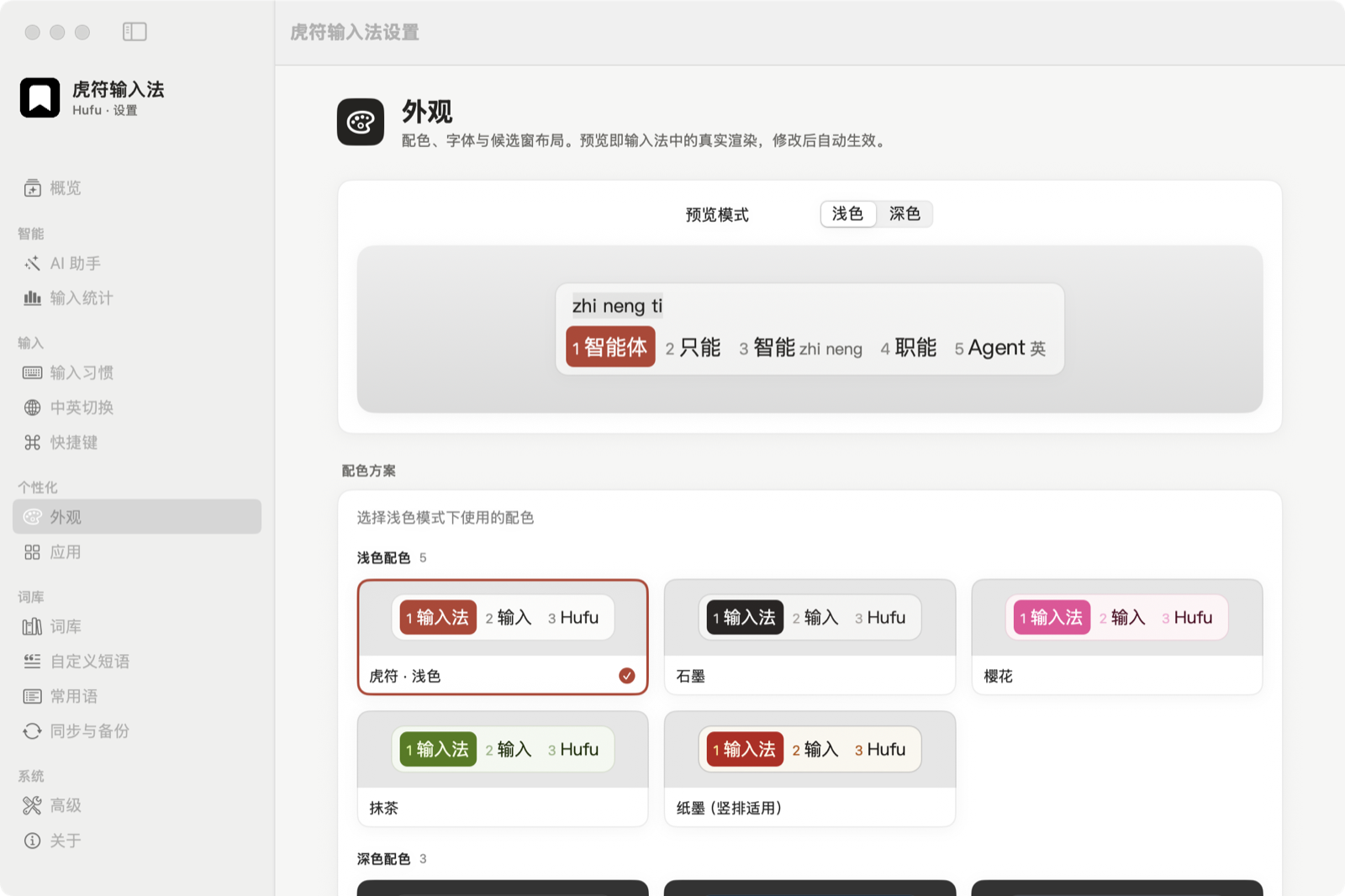
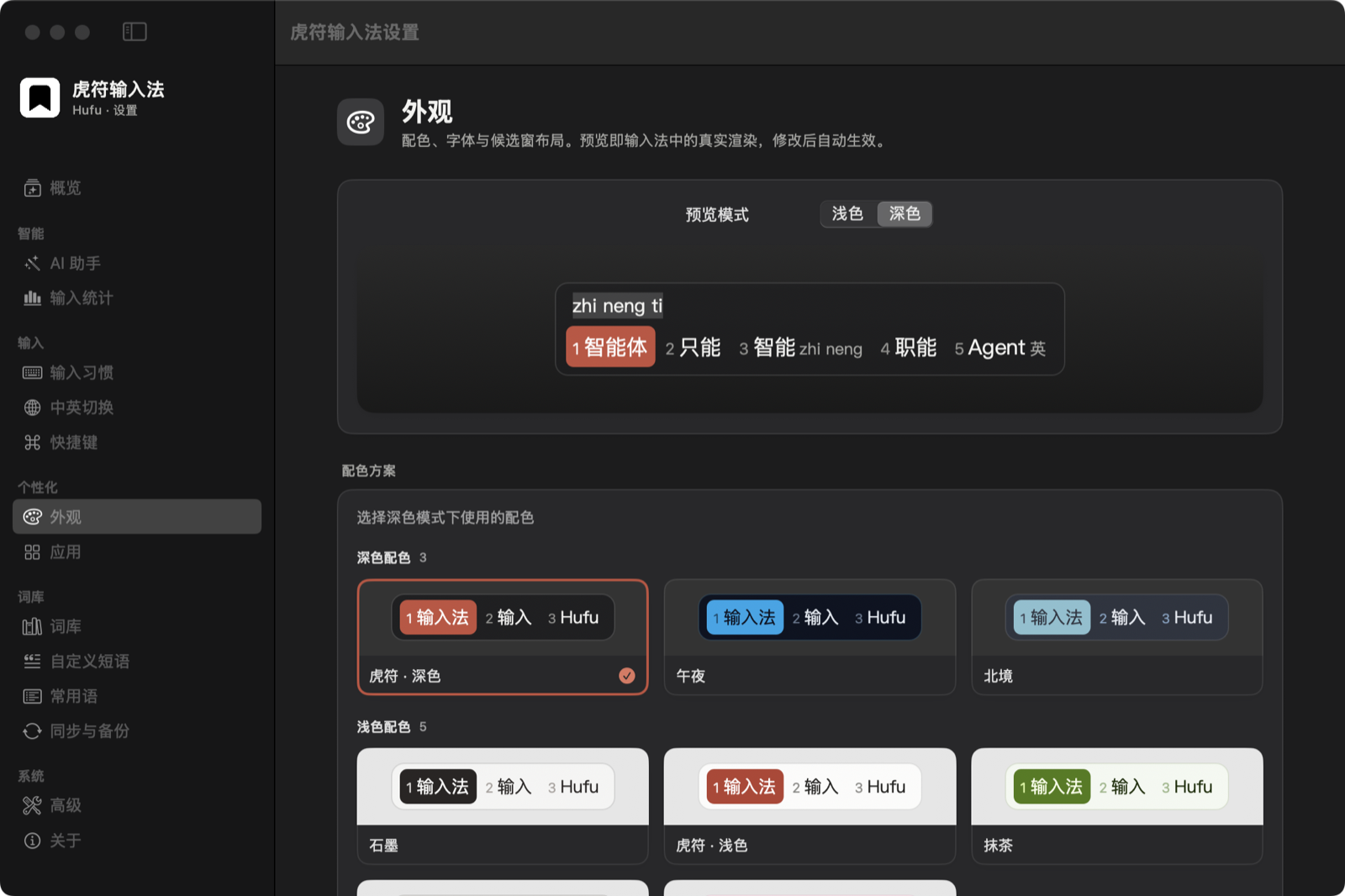
See colors, type size and corners as you edit.
A macOS input method for Tiger-Code only. Open source, private, built on librime.
macOS 15.0+ · 0.1.0 available Unsigned, right-click to open


Rendered by the App · Tiger-Code huma → 虎码
Keep phone numbers, email and addresses in categories. While typing, hold ⌥ and press 1. Press A, S or D to insert.
Letters insert · Numbers switch categories · ↑↓ move
Pick a theme here, then click to import it into Hufu Settings.
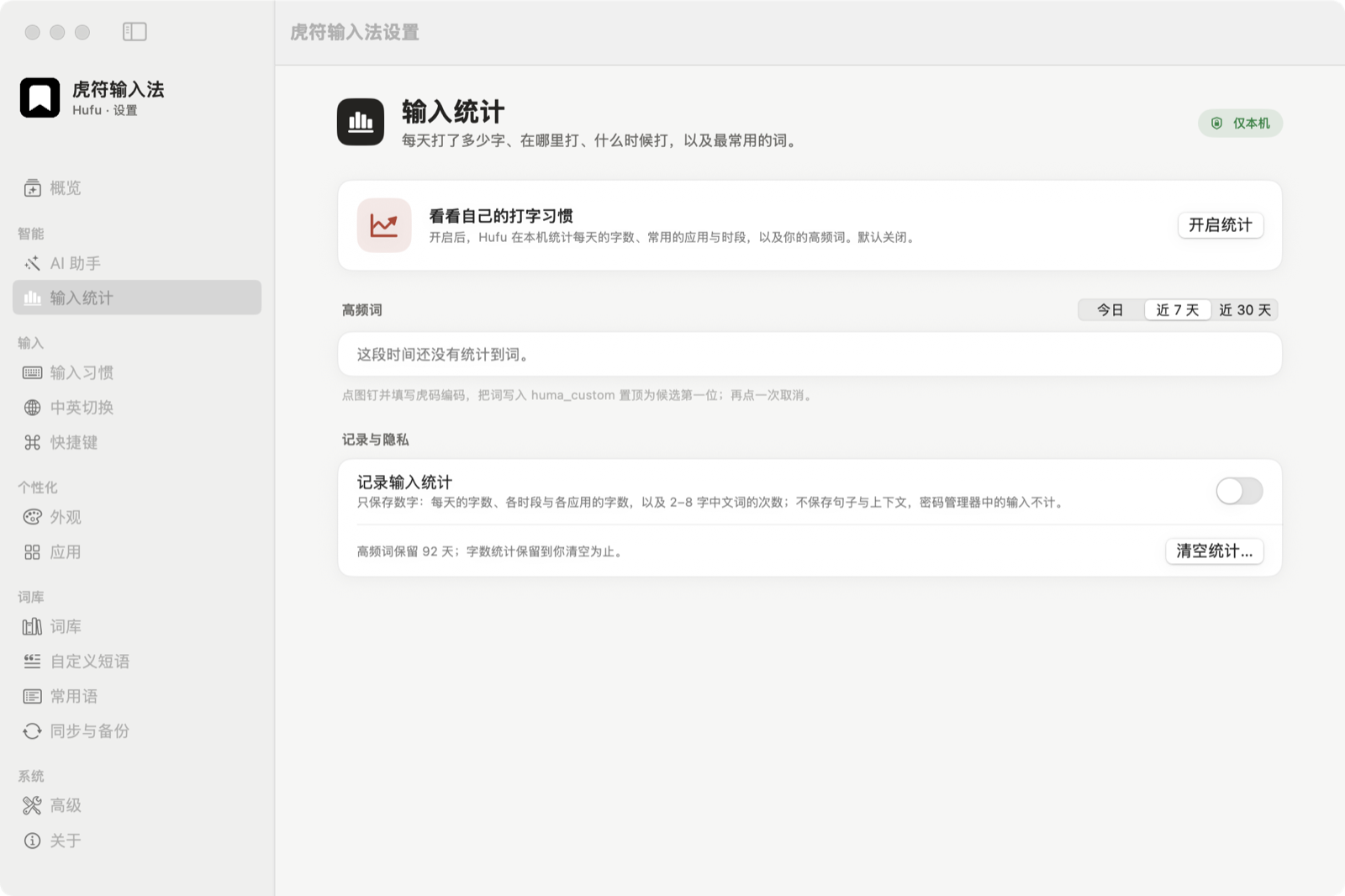
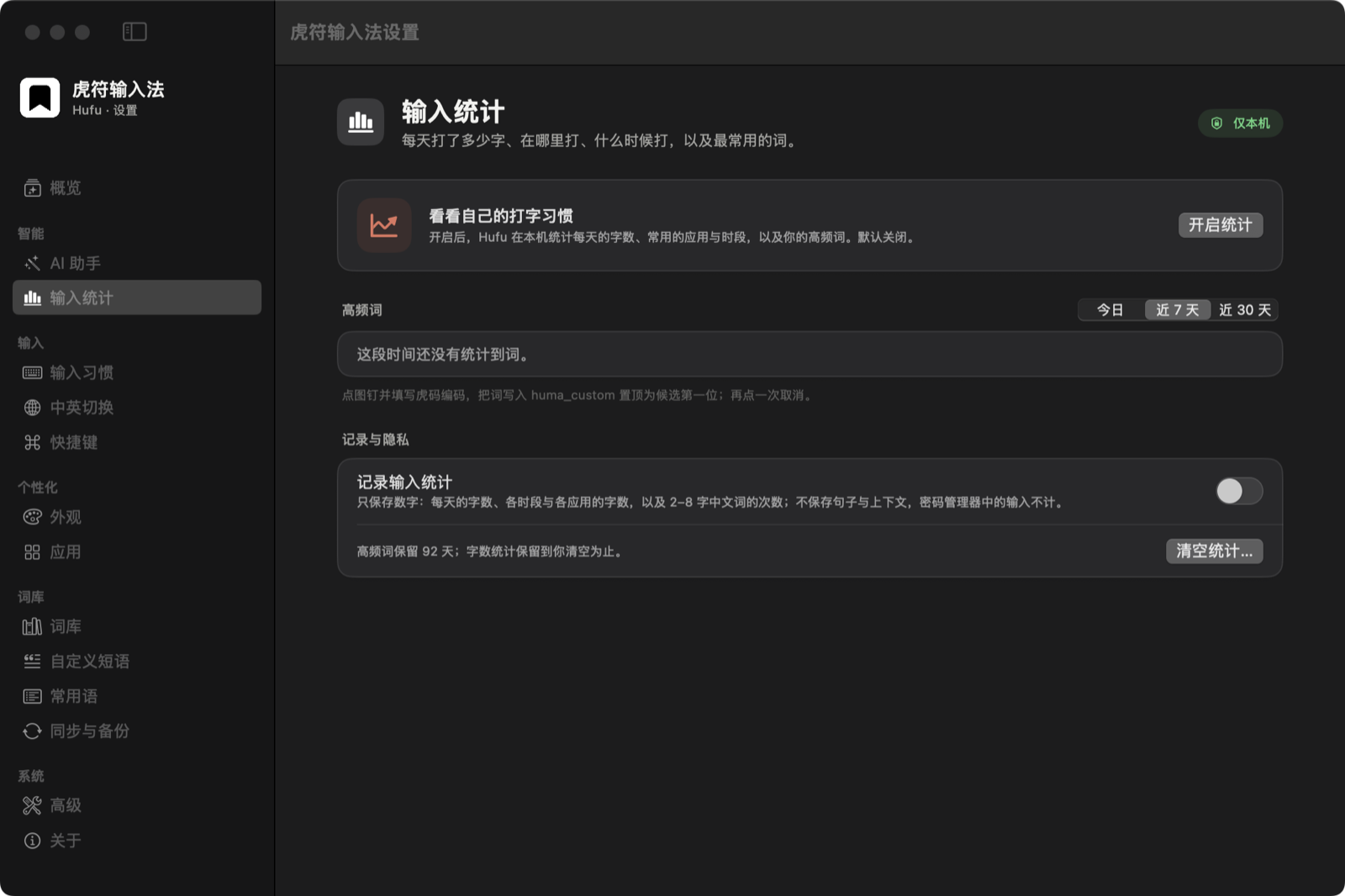
Character counts, active hours, your most-used apps and words. Stored on this Mac. Clear them at any time.
Off by default. Counting starts when you enable it.
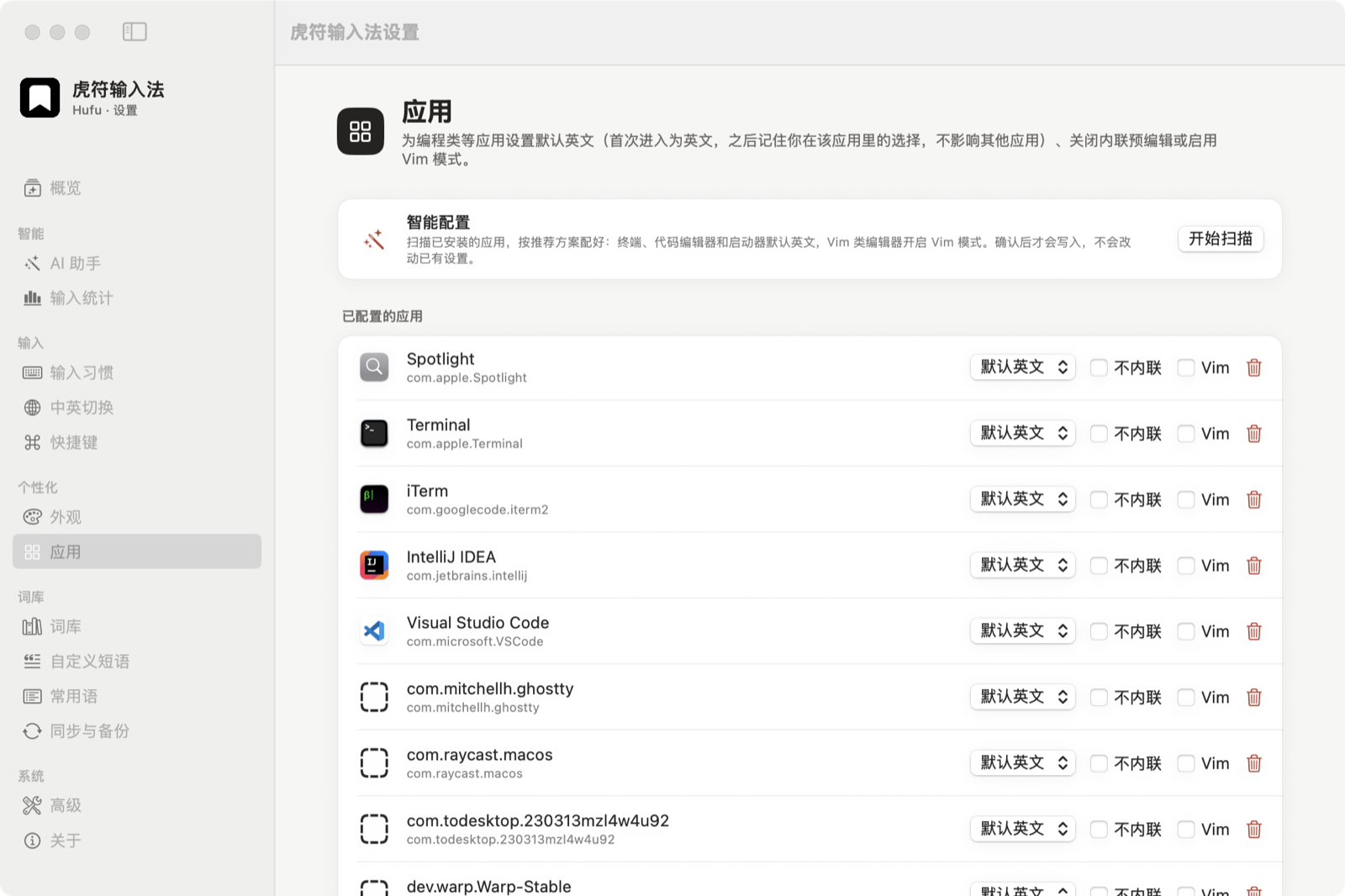
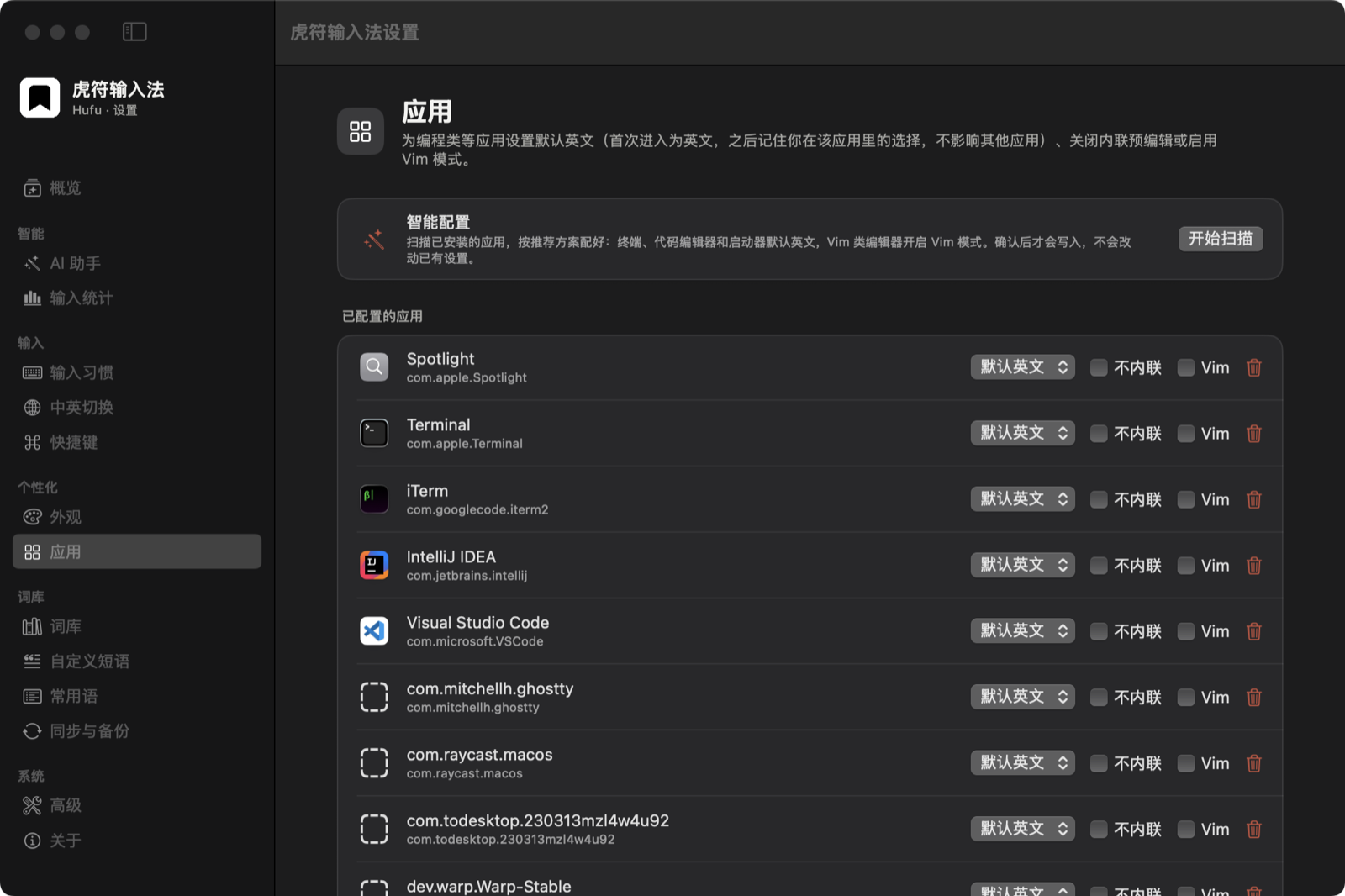
Each app remembers its input state. On first launch, Hufu scans your installed apps and suggests defaults.
Reply to Lena
我想去吃潮州菜,七点在中环见?
Example results · No network request
Select a passage, then press ⌃⌥P or hold ⌥ and choose AI from the quick menu. Only that selection is processed.
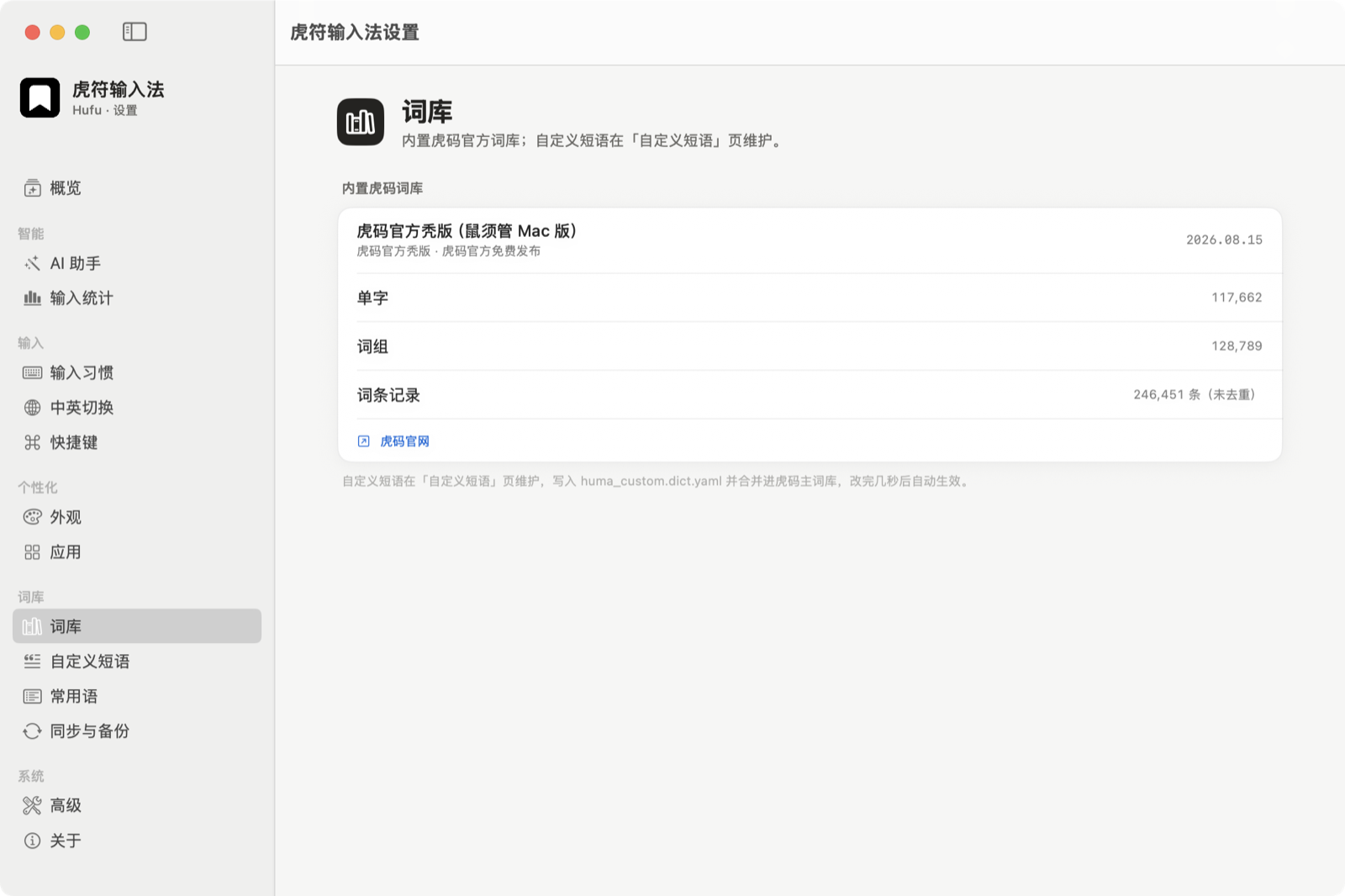
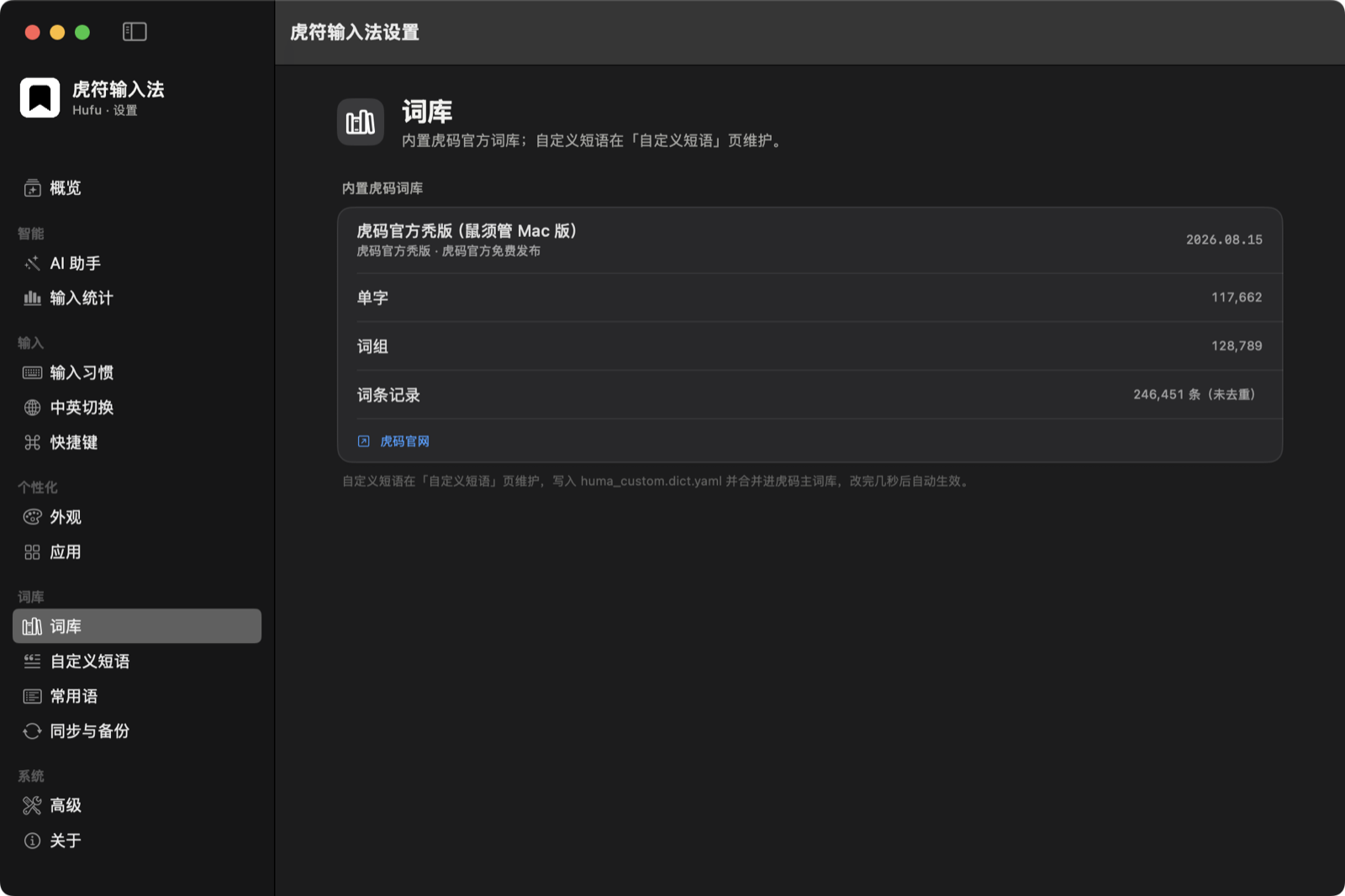
Tiger-Code only, built on librime. Reads existing RIME configuration and imports vocabulary, phrases and colour schemes from Squirrel.
Original code MIT · dependencies keep their licences
GitHub · syhily/hufuComposition, candidates and personal word frequency stay on your Mac. No telemetry. Snippets stay local. Typing statistics are off by default.
AI defaults to Apple’s on-device model, which depends on your device, system settings and region (currently unavailable for mainland China devices and accounts). Otherwise, configure your own OpenAI-compatible endpoint (may be billed).
Privacy detailsPress ⌃⌥P, or hold ⌥ and choose AI from the quick menu, to translate or polish the text you choose. Add your own actions too.
Simplified/Traditional conversion runs locally and needs no AI.
Uses native librime. Organize snippets and assign phrase codes. Pick symbols with letter keys. Frequent words appear first.
librime linked statically · word tables prebuilt · first deploy about 1 second